
Pay the right suppliers at the right time
Manage all your supplier invoices in one place. Upload bills, schedule payments, and keep your vendor relationships healthy. Never miss a due date or overpay a supplier again.
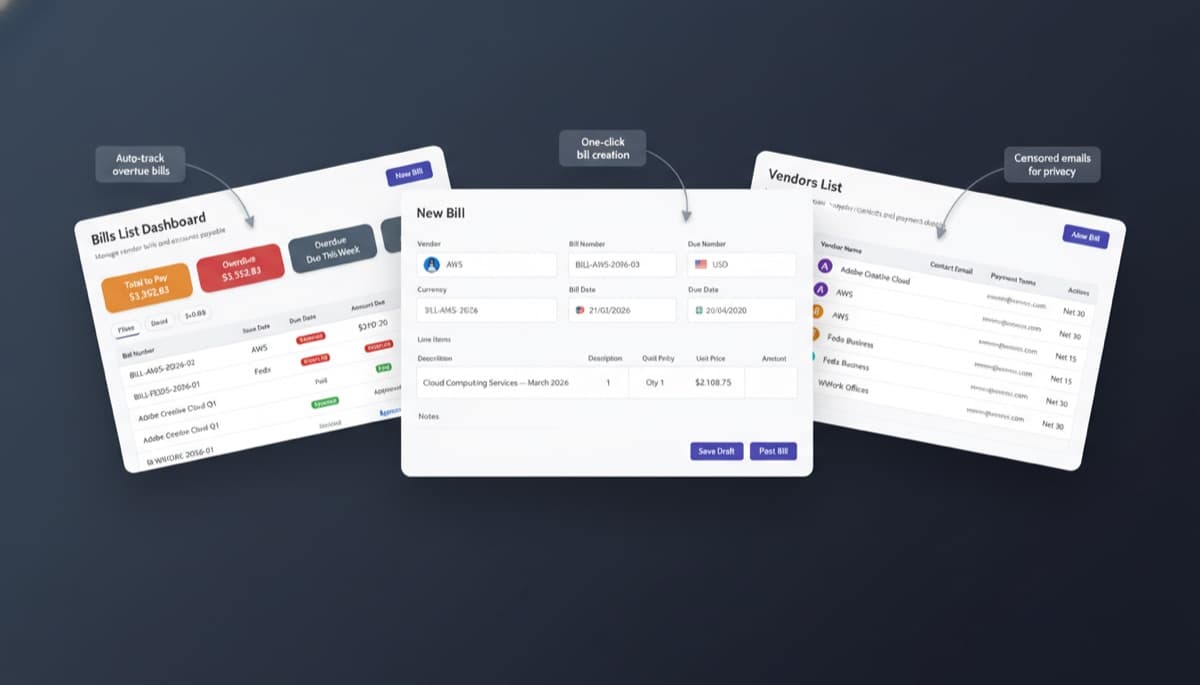
Businesses that miss early payment...
Note.now insight
Keep vendor relationships healthy and cash flow predictable
Bills & Vendors
One inbox for every supplier invoice
Note.now gives you a dedicated email address for your bill inbox. Forward any supplier invoice and the system uses OCR to read the vendor name, invoice number, amount, and due date. Bills can also be uploaded directly as PDFs or dragged from your email client. Everything lands in one organized queue - no more digging through email folders to find an invoice.
Get started free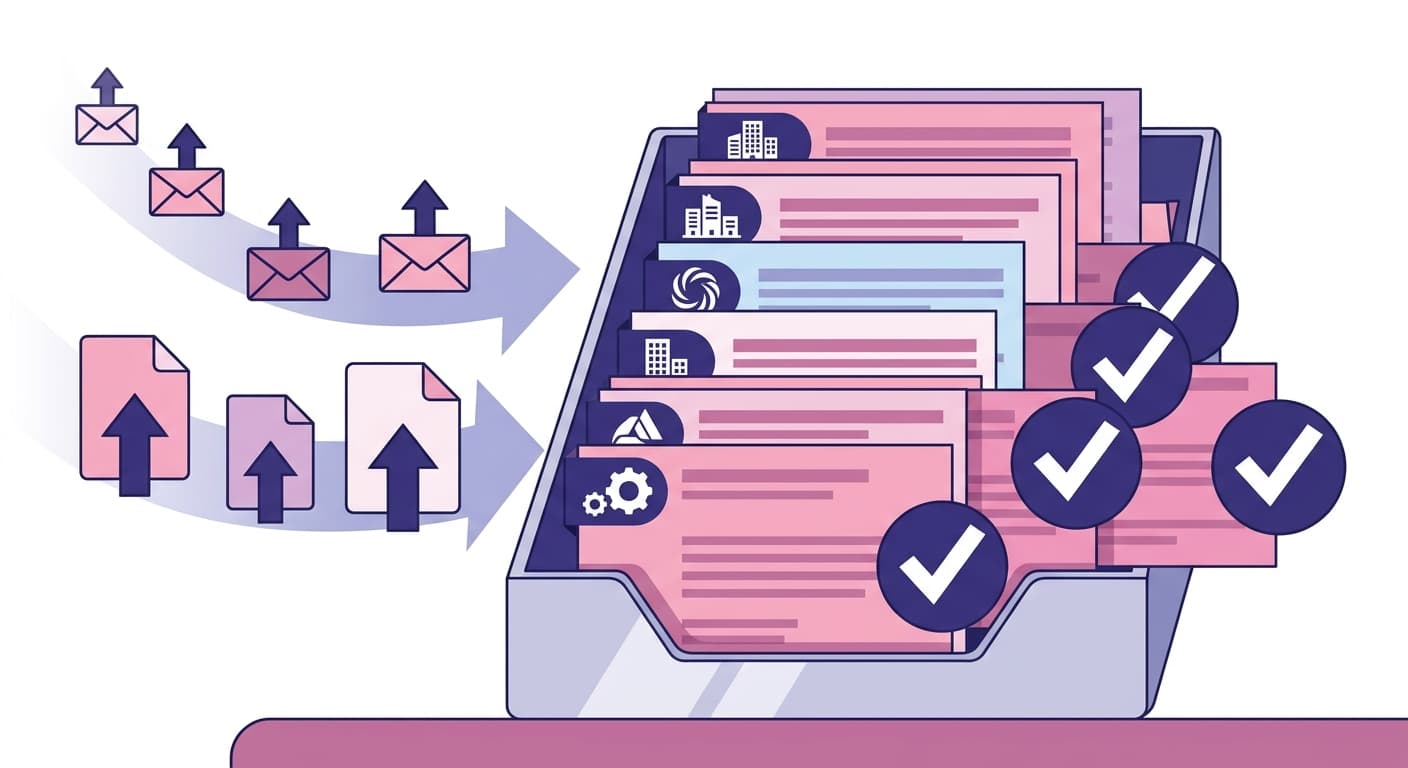
Bills & Vendors
Scheduled payments that protect your cash flow
Knowing what you owe is one thing; knowing when to pay is another. Note.now lets you schedule payment runs in advance. You can see your upcoming outflows on a weekly or monthly basis and adjust timing to avoid cash flow crunches. Bulk payment runs let you pay multiple suppliers in one action, with a remittance advice sent automatically.
Get started free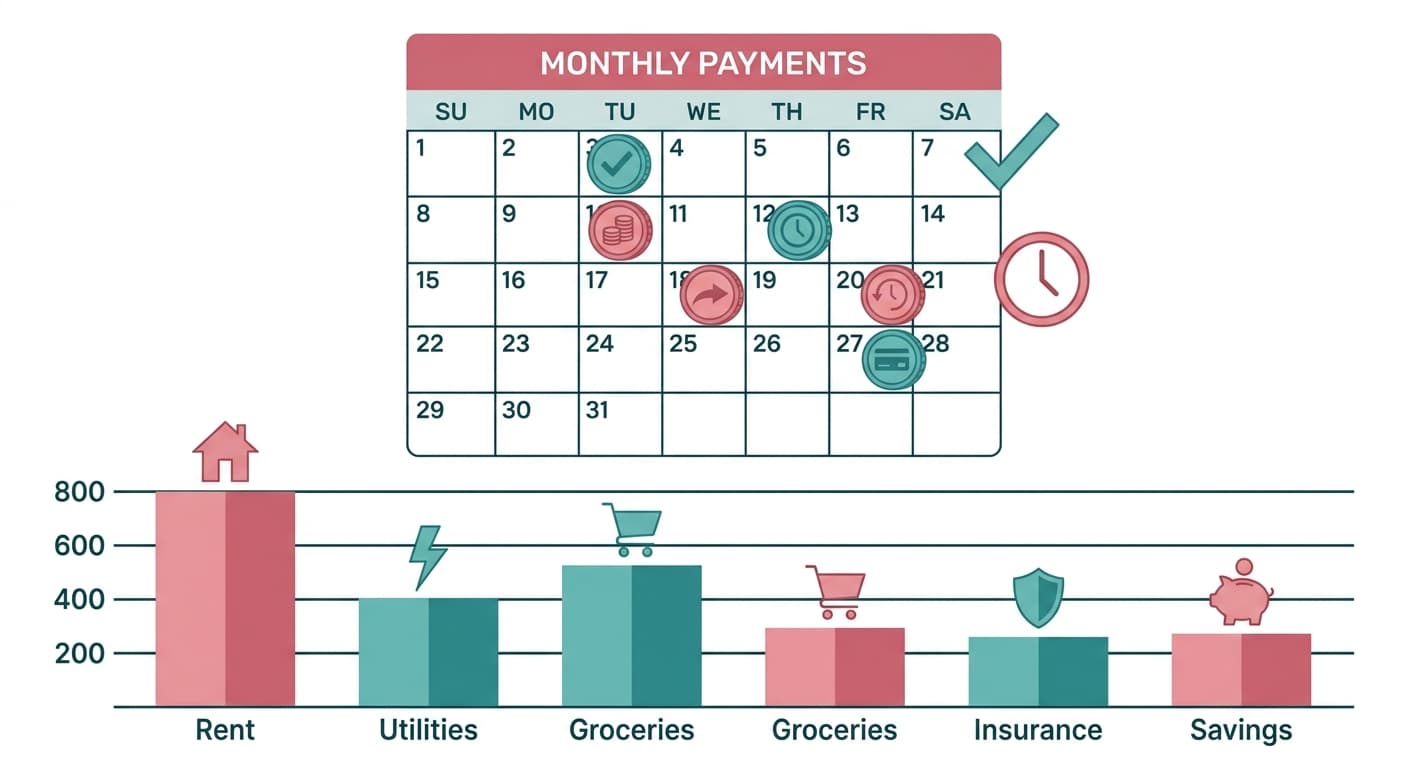
Bills & Vendors
Vendor profiles with full transaction history
Every supplier in Note.now has a full contact profile including payment terms, bank details, and a complete record of every bill, payment, and credit note. When a supplier calls about a payment, you can pull up the full picture in seconds. Account statements can be generated and sent directly to vendors from within the platform.
Get started free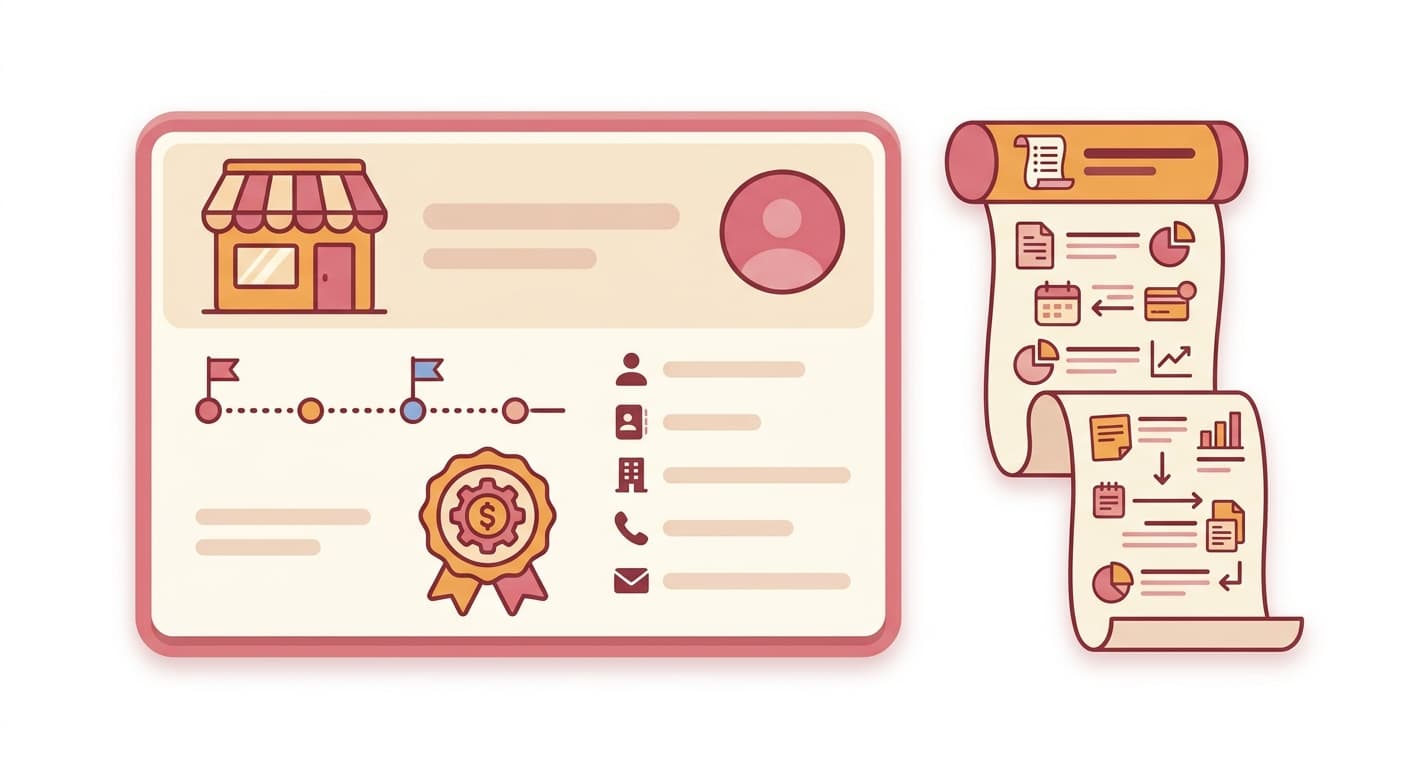
Bills & Vendors
Purchase order matching reduces overpayments
For businesses that issue purchase orders, Note.now supports two-way and three-way matching. When a bill arrives, it is matched against the original PO and (optionally) a goods receipt note. If the billed amount exceeds what was ordered or received, the bill is flagged for review before payment. This simple control can save businesses thousands in overpayments per year.
Get started free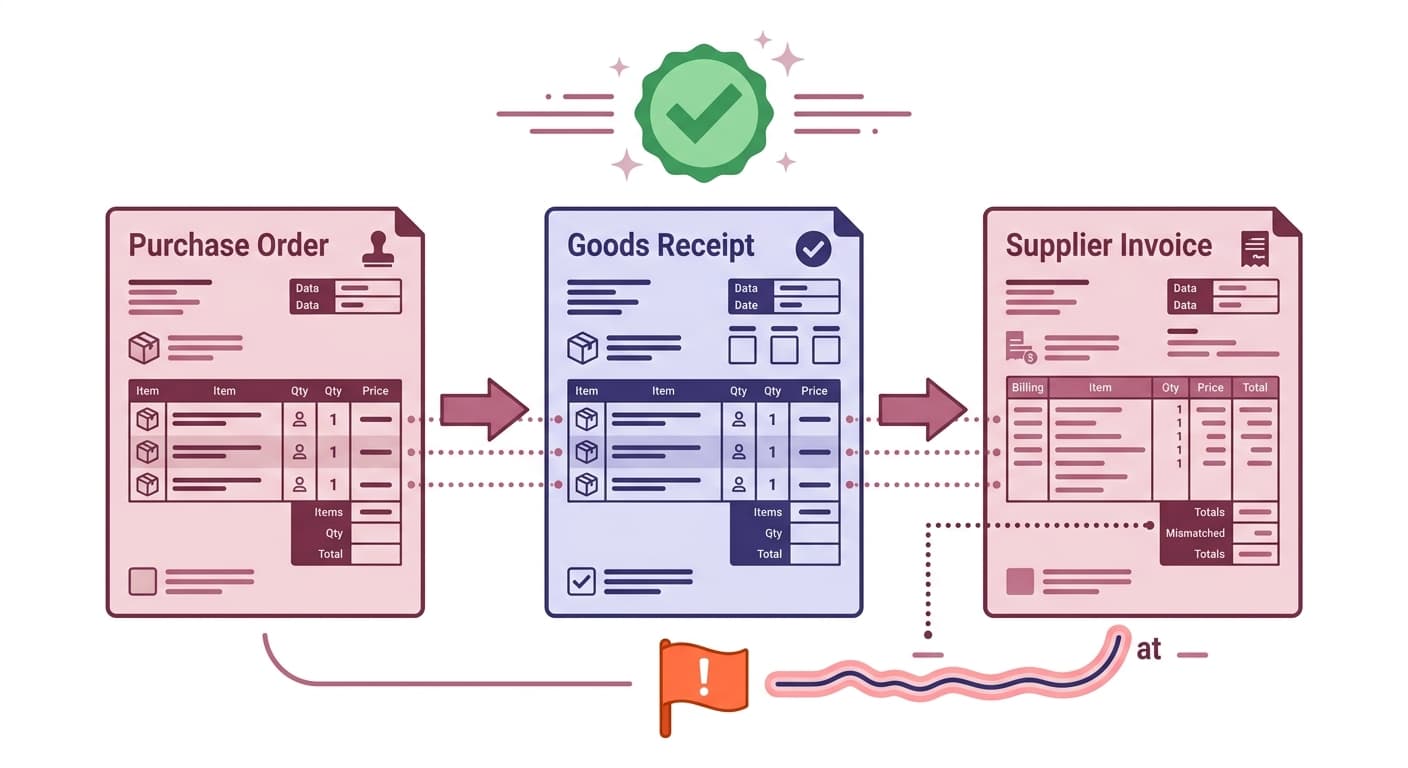
What poor payables management costs you
“Businesses that miss early payment discounts lose an average of 1–2% on their annual supplier spend”
Many suppliers offer 2/10 net 30 terms (2% discount if paid within 10 days). Without visibility into upcoming payment windows, businesses routinely miss these savings.
“Late supplier payments damage relationships and can lead to tightened credit terms”
Suppliers that consistently receive late payments respond by tightening payment terms or requiring advance deposits. Note.now gives you the visibility to pay on time, every time.
From supplier invoice to paid and reconciled
Simple steps. Lasting results. No accounting knowledge required.
Bills arrive in your inbox automatically
Forward supplier invoices to your Note.now bill email address. OCR extracts all key data fields within seconds. Review and confirm, or set rules to auto-approve regular vendors.
Review, approve, and schedule payment
Bills sit in a review queue until approved. Set the payment date, choose the bank account to pay from, and add it to a payment run. Note.now shows the impact on your cash balance.
Pay and reconcile in one action
Run a batch payment to your bank or mark bills as paid when your bank transfer goes out. Note.now matches the outgoing transaction and updates your aged payables report instantly.
Bills & vendors feature set
Frequently asked questions
Can Note.now pay suppliers directly from the platform?
Note.now supports payment file exports compatible with most business banking portals (BACS, SEPA, ACH). Direct bank payments via Open Banking are on the product roadmap for Business plan users. Currently, you schedule and approve payments in Note.now and execute them through your bank.
How does repeating bills work for things like rent or subscriptions?
You can set any bill as a recurring template with a fixed or variable amount and a recurrence schedule (weekly, monthly, quarterly). Note.now creates the next bill automatically and places it in your review queue, ready to approve and pay. You can edit the amount on any individual occurrence without affecting the template.
What is the difference between a bill and an expense in Note.now?
Bills are formal supplier invoices that go through accounts payable - they create a liability until paid. Expenses are employee-incurred costs (travel, meals, supplies) that go through the expense claim workflow. Both appear in your P&L, but they follow different approval and payment routes.
Get started today
Ready to try Bills & Vendors?
Join 10,000+ businesses that run their accounting on Note.now. Start your free 7-day trial - no credit card needed.