
Know exactly which projects make you money
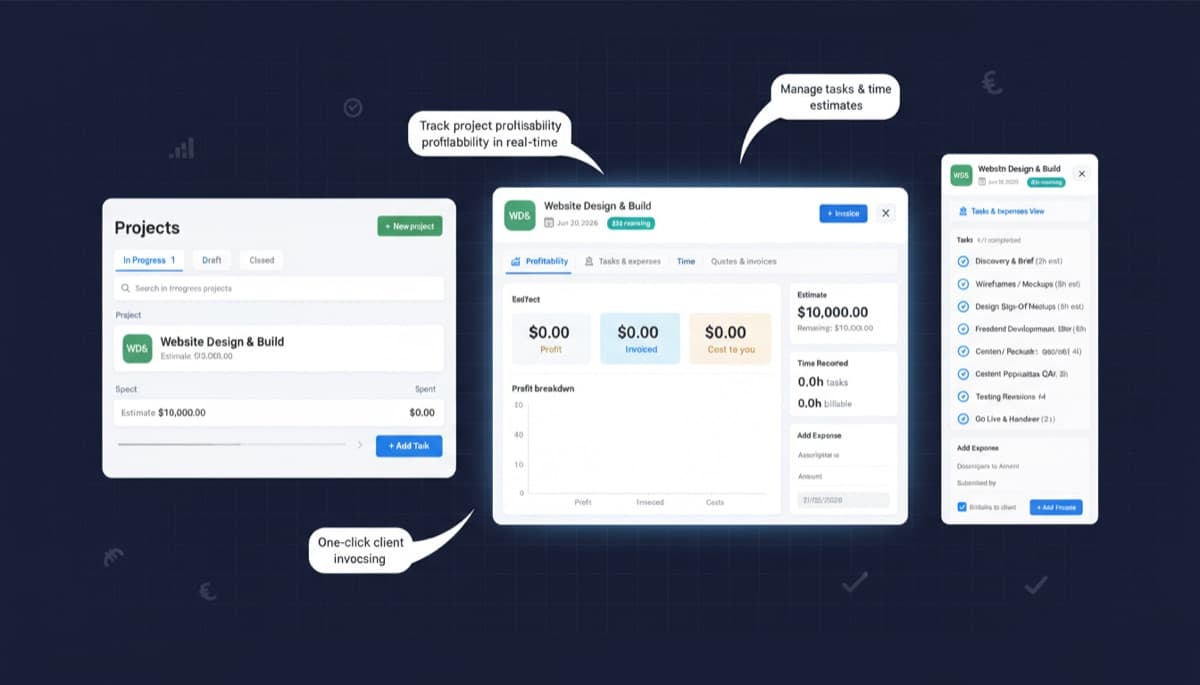
Track time, log costs, and monitor budgets per project. Invoice clients based on time logged or milestones hit. Get instant profit visibility on every job you do.
62% of service businesses do...
Note.now insight
Financial clarity on every project you run
Project Management
Time tracking that captures every billable minute
Note.now includes an integrated time tracker accessible from the web app and mobile. Start a timer when you begin work on a project, or log hours manually at the end of a session. Each time entry is tagged with the project, task, and whether it is billable - giving you a complete picture of where your team's capacity is going. Billable hours automatically flow through to invoicing.
Get started free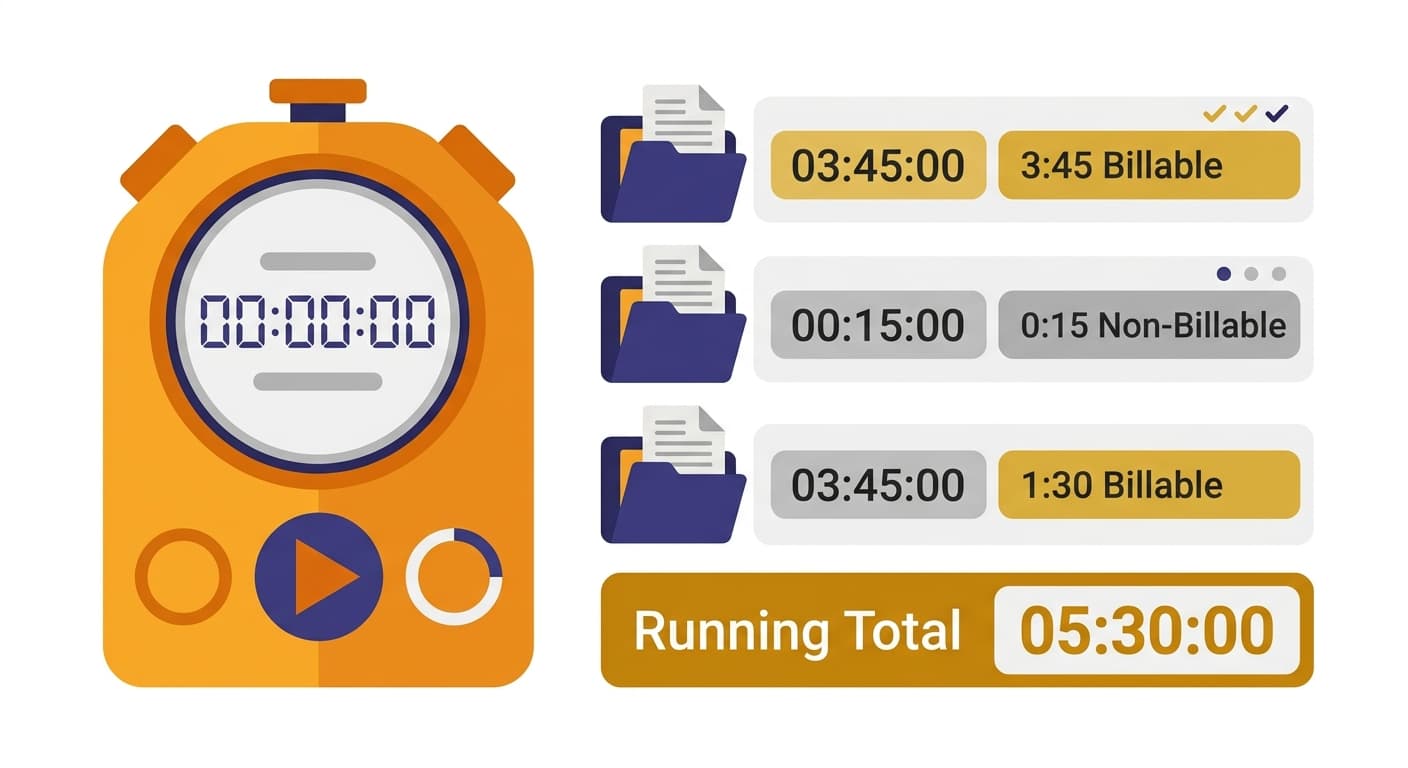
Project Management
Project budgets and live burn rate
Every project in Note.now can have a defined budget - for costs, hours, or revenue. As time is logged and expenses are allocated, you see in real time how much of the budget has been consumed and your projected end-of-project result. Budget alerts notify you when you reach 75% or 100% of any threshold, giving you time to have conversations with clients before surprises arise.
Get started free
Project Management
Invoice on time or milestones with one click
Note.now supports both time-based and milestone-based billing. For time-and-materials projects, create an invoice from all unbilled time entries with a single click - line items are populated automatically with hours, descriptions, and rates. For fixed-fee projects, define milestones and raise invoices when each milestone is reached. Both methods update project revenue totals in real time.
Get started free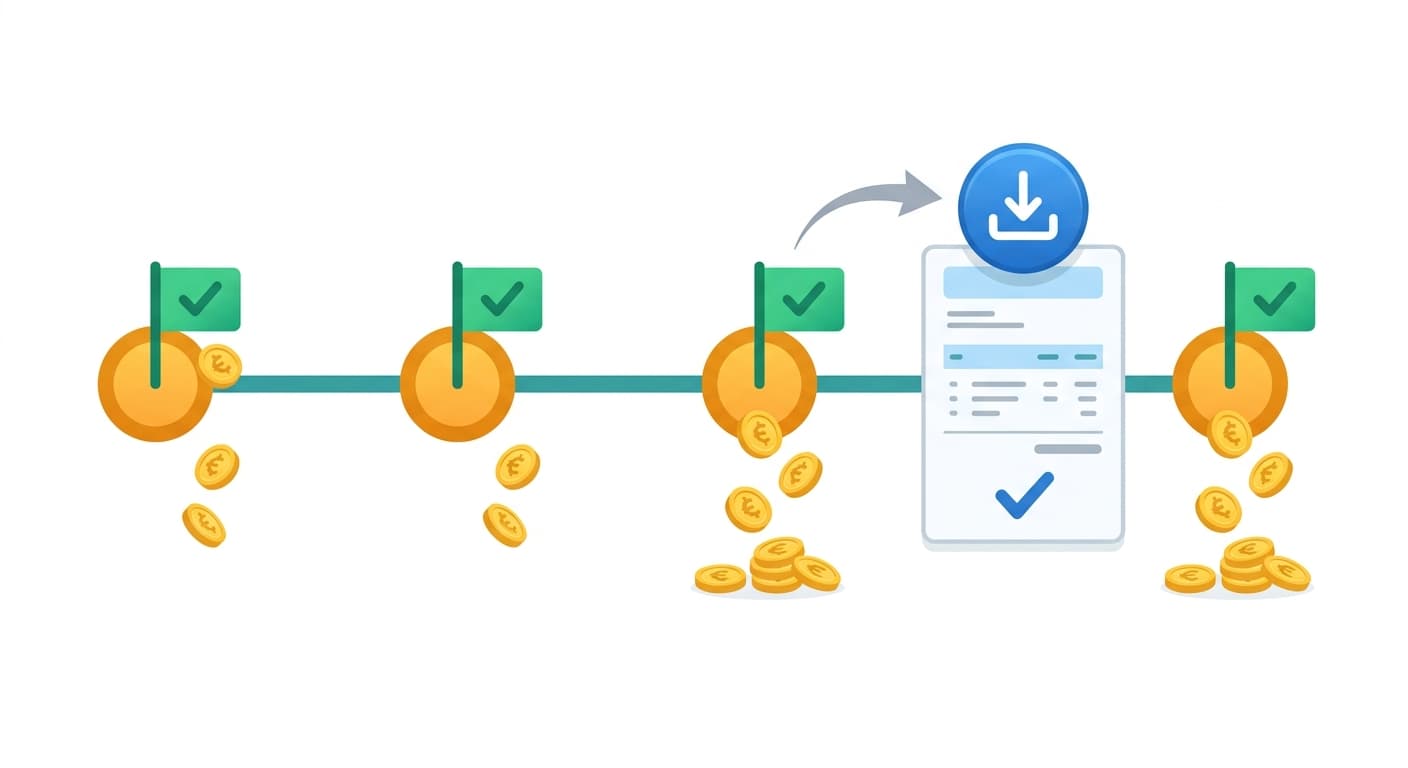
Project Management
Project P&L that reveals your true margins
The project P&L report aggregates all revenue invoiced, time cost (hours × internal cost rate), and direct expenses for each project. You can see gross profit and margin per project, compare estimates to actuals, and identify which types of work — or which clients — are most profitable. Pair this with business insights to track trends across projects over time. This is the data most service businesses lack, and it transforms how you price and sell.
Get started free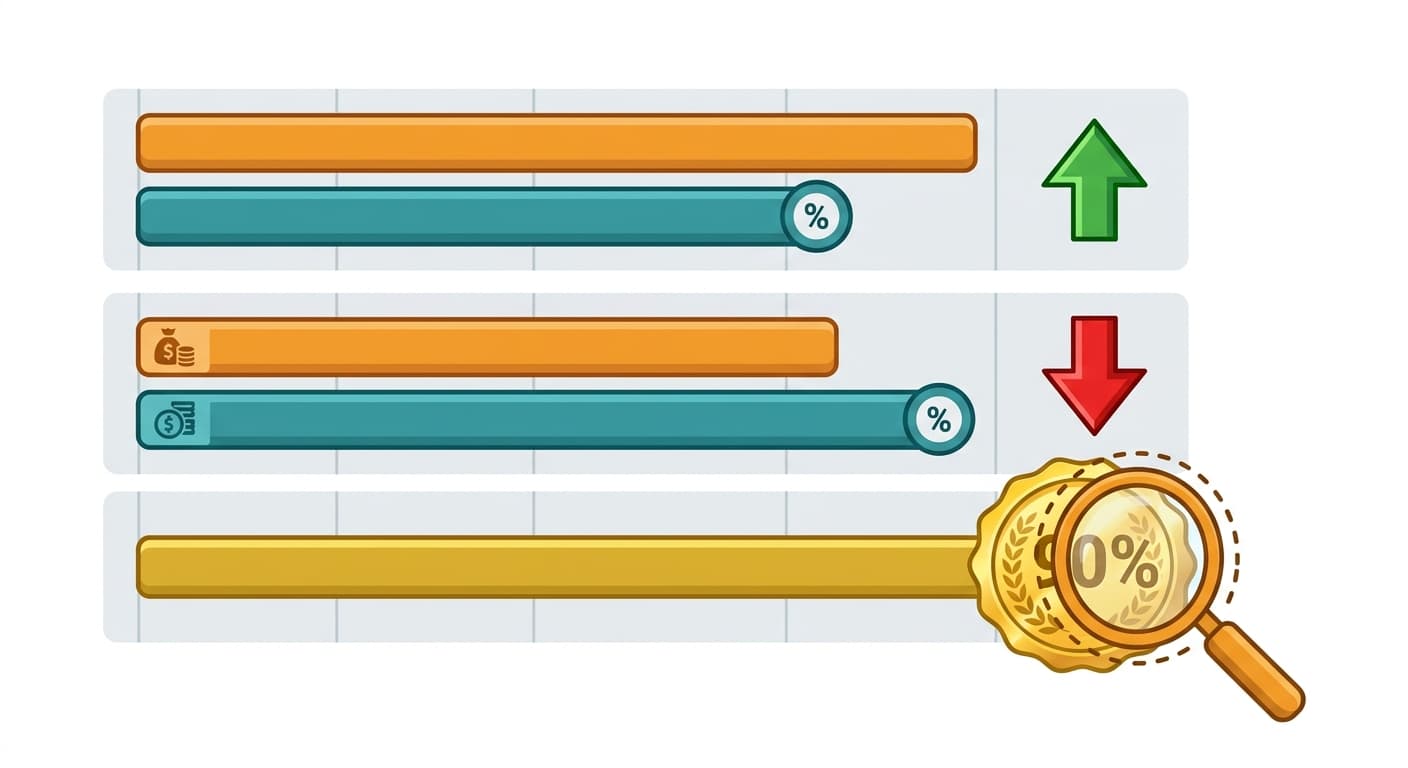
What it costs to not know your project margins
“62% of service businesses do not know the true profitability of individual projects”
Without project-level accounting, most businesses average their margins across all work. This masks which clients and project types to pursue and which to avoid or reprice.
“Service businesses that track time and project costs improve profitability by 15–25% within a year”
When you can see which projects lose money, you reprice them, eliminate scope creep, or decline similar work. Data-driven project decisions compound into major margin improvements.
Track time, costs, and profitability from start to finish
Simple steps. Lasting results. No accounting knowledge required.
Create a project and set your budget
Define the project name, client, start and end dates, billing method, and budget. Assign team members with their individual billable rates.
Log time and expenses as work progresses
Team members log time daily using the timer or manual entry. Expenses are allocated directly to the project. You see the budget burn rate update in real time.
Invoice and review profitability
At billing points, generate an invoice from logged time in one click. When the project closes, review the full P&L - revenue, cost of time, expenses, and final margin.
Project accounting features included
Frequently asked questions
Can I bill different rates for different team members on the same project?
Yes. Each team member has a default billable rate, and you can override that rate on a per-project basis. You can also have different rates for different task types within a project - for example, a lower rate for admin tasks and a higher rate for specialist work.
How do I handle projects that overrun their budget?
Note.now alerts you as you approach budget limits. When a project overruns, you have the options to raise a variation invoice (for time-and-materials projects), absorb the cost (visible in the project P&L), or write up a change order. The history of budget vs actual is always visible for post-project review.
Does Note.now integrate with project management tools like Asana or Jira?
Note.now is focused on the financial side of project management - time tracking, budgets, and invoicing - rather than task management. For teams already using tools like Asana or Monday.com for task tracking, time can be logged in Note.now separately. Native integrations with popular PM tools are on the product roadmap.
Get started today
Ready to try Project Management?
Join 10,000+ businesses that run their accounting on Note.now. Start your free 7-day trial - no credit card needed.