
How to Create Your First Invoice
Sending your first invoice is a milestone - it means you have done work and you deserve to get paid. But a poorly written invoice can delay payment by weeks. This guide walks you through every element of a professional invoice, what to include, what to avoid, and how to get money in your account faster.
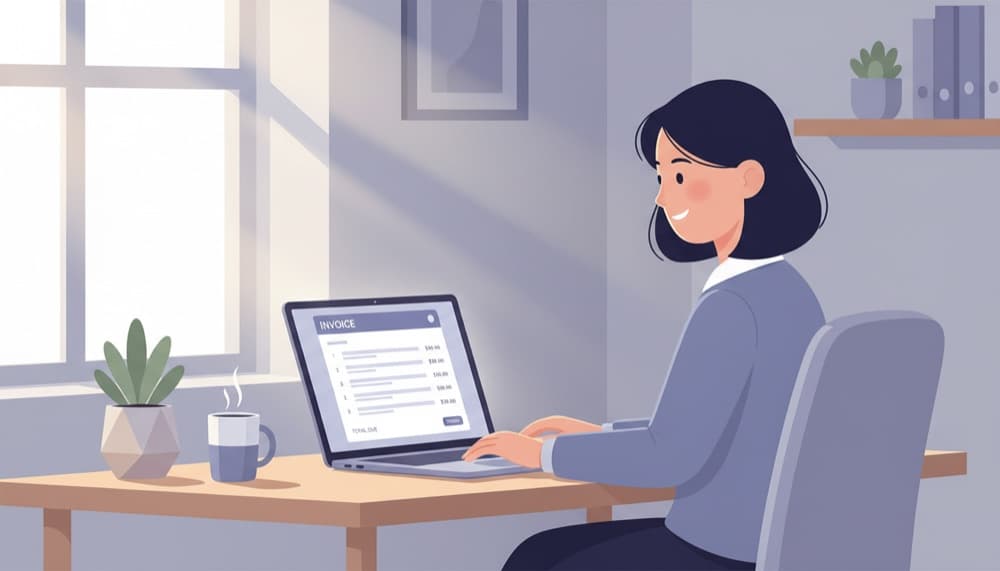
What Goes on a Professional Invoice
A professional invoice is a formal request for payment. It needs to contain enough information for your client to approve the payment quickly and for both parties to have a clear record of the transaction. Missing details - like your bank details or an invoice number - are the most common cause of payment delays.
Essential elements every invoice must have
Your business name and contact details, your client's name and billing address, a unique invoice number (e.g. INV-0001), the invoice date and payment due date, a description of goods or services delivered, the quantity and unit price for each line item, the subtotal, any applicable tax (VAT, GST, sales tax), the total amount due, and your payment details (bank account, PayPal, or a payment link).
Optional but professional additions
A personalized thank-you note at the bottom builds goodwill. Your business logo reinforces your brand. Late payment terms (e.g. "1.5% per month on overdue balances") set expectations and give you recourse if payment is delayed. A purchase order (PO) number from the client - if they provided one - ensures the invoice gets processed without delay on their end.
Example invoice line item
Website design - homepage redesign project
Qty: 1  |  Unit Price: $2,500.00  |  Amount: $2,500.00

Subtotal: $2,500.00
Sales Tax (8.25%): $206.25
Total Due: $2,706.25
Due Date: 30 days from invoice date
Invoice Numbering - Why It Matters
Every invoice needs a unique number. Invoice numbers keep your records organized, make it easy to reference specific invoices in payment conversations, and are often required for accounting and tax purposes. Start with INV-0001 and increment from there. Never reuse or skip numbers - gaps in your invoice sequence can raise questions during an audit.
Key Takeaway
Use a consistent numbering system from day one: INV-0001, INV-0002, and so on. Accounting software like Note.now generates these automatically so you never have to think about it.
Setting Clear Payment Terms
Payment terms define when you expect to be paid. The most common terms are Net 30 (payment due 30 days from invoice date) and Net 15. For new clients or high-value projects, consider asking for a 50% deposit upfront - this protects you and pre-qualifies the client. Whatever terms you choose, make them visible on the invoice and agree on them before you start the work.
What does "2/10 Net 30" mean?
"2/10 Net 30" means the full amount is due within 30 days, but if the client pays within 10 days, they get a 2% early payment discount. This is an effective way to accelerate cash collection. For a $5,000 invoice, a 2% discount costs you $100 but could get you paid 20 days sooner - often worth it.
Sending Your Invoice and Following Up
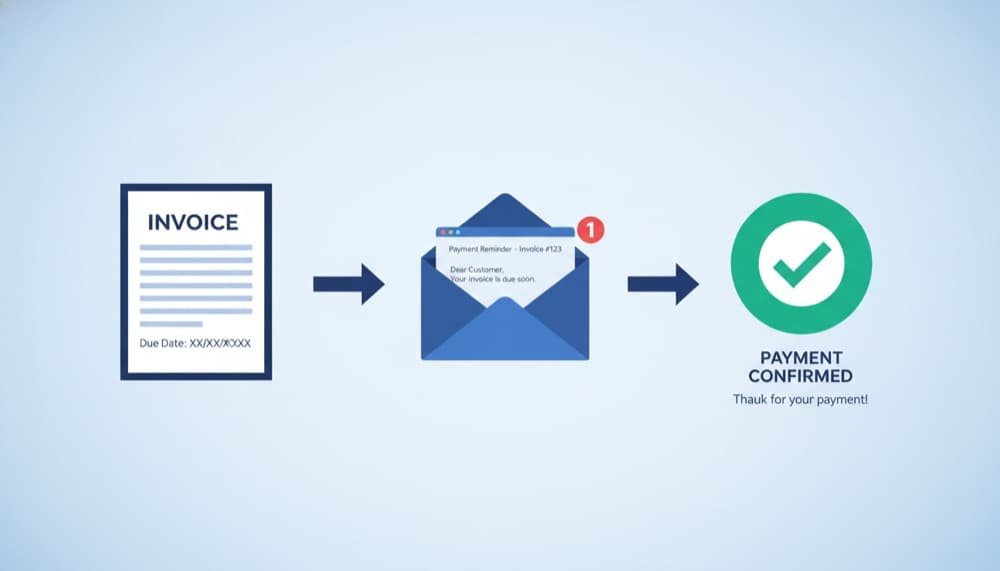
Send your invoice by email immediately after completing the work - never wait days or weeks. Attach the invoice as a PDF and include the key details in the email body (total due, due date, payment options). If you use accounting software, include a "Pay Now" link in the email so clients can pay by card without needing to log in or initiate a bank transfer themselves.
The follow-up schedule that works
Send a friendly reminder 3–5 days before the due date. On the due date itself, if not paid, send another short reminder. After 7 days overdue, follow up by phone. After 14 days overdue, send a formal overdue notice referencing your late payment terms. Most clients pay by the first or second reminder - very few require escalation beyond that.
Key Takeaway
Businesses that send automated reminders before and after the due date get paid an average of 11 days faster than those that send invoices and wait.
Common Invoice Mistakes to Avoid
The most common invoice mistakes that delay payment include: sending to the wrong contact (always confirm the accounts payable email address), not including payment details, using vague descriptions ("consulting services" instead of "website copywriting for homepage, about, and services pages - 3 pages completed October 2024"), missing the client's PO number, and invoicing in the wrong currency. Each of these can add 15–30 days to your collection time.
Put this into practice with Note.now
Everything covered in this guide is built into Note.now. Try it free for 7 days.
Get started free